
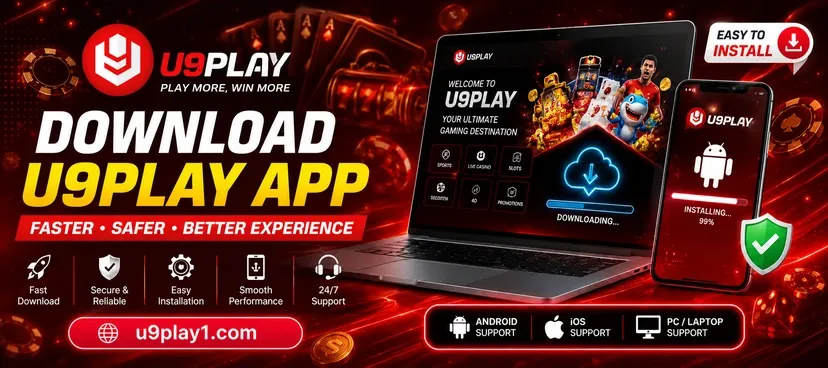
U9Play Download Malaysia – Android APK, iOS & H5 Access
U9Play gives players different ways to access the platform from mobile devices. Depending on your device, you can use an Android APK, supported iOS access or the browser-based H5 version. If you are new to the platform, visit the U9Play Malaysia homepage first to explore the available services.
U9Play App for Mobile Players
The U9Play mobile experience is designed for players who prefer accessing their account from a smartphone or tablet. Mobile access can make it easier to open your account, browse available gaming sections and manage platform features without using a desktop computer.
Before using the mobile version, new players should first complete their account setup through the U9Play Register page.
U9Play APK Download for Android
Android users may be able to access U9Play through an APK installation option. Before installing any APK file, make sure you are using the correct download source linked through the official website.
How to Install U9Play APK
- Open the U9Play download section on your Android device.
- Select the available Android or APK option.
- Download the installation file.
- Allow installation from the required source if your device requests permission.
- Open the downloaded file and complete the installation.
- Launch U9Play and enter your registered account details.
Once installation is complete, existing members can use the U9Play Login page if they need additional information about account access.
U9Play on iPhone and iOS
iPhone and iPad users should follow the iOS access option provided by U9Play. Availability and installation methods can vary depending on device settings and the version of iOS being used.
Always follow the instructions displayed on the current U9Play website instead of downloading unfamiliar files from third-party websites.